Navigation: Integration in Online Shops > Cleverbridge > Working with Key Lists >
Upload Serial Numbers


|
Navigation: Integration in Online Shops > Cleverbridge > Working with Key Lists > Upload Serial Numbers |
|
Start the cleverbridge Commerce Assistant and edit a product. In the TAB Delivery Details you specify which keys are delivered.
Press the button Add and select Cleverbridge delivers key. Then select Key List and press the button  .
.
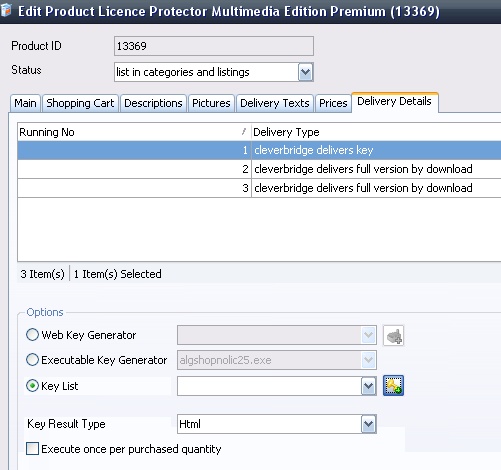 |
| Delivery Details - select Key List |
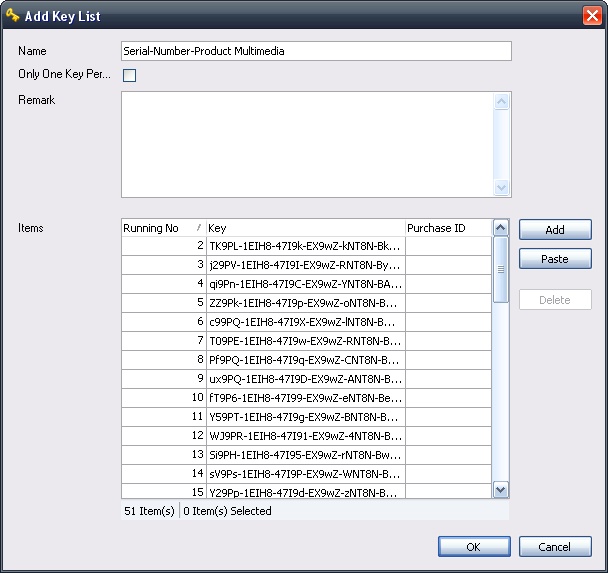
Type in a name for the key list and press the Add button - select the key list with Serial Numbers you created - see build a key list with Serial Numbers