|
|


How to add additional users / licenses within a network? |

|

|

|
||
|
How to add additional users / licenses within a network? |
|
|

|

|
How to add additional users / licenses within a network?
|
|
|
How to add additional users / licenses within a network? |
|
|
|
||
|
How to add additional users / licenses within a network? |
|
|
|
|
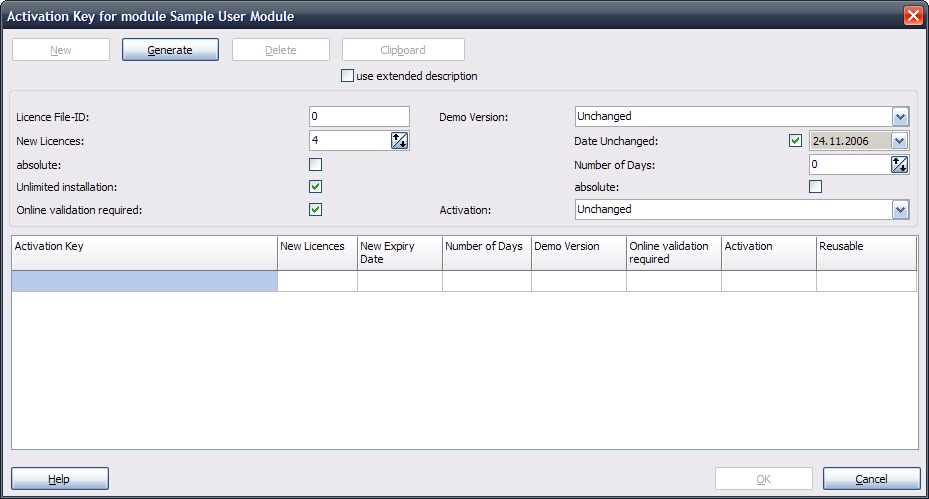
To add additional licenses to an existing installation, just create an Activation Key.
| • | The Activation Key is generated within the Project Generator |
| • | Select new licenses. The number you select is added to the existing license file |
| • | If you want to replace the existing licenses in the file, select absoulte |
If you are using the Activation Server, use the Switch: Online Validation required to ensure, that a key can never be used twice.
If you want to allow that the key can be used during a reinstallation again, check Unlimited installation.