Background Image

Contents
The default background image can be replaced with a customized image. The image requirements are:
| 1. | Size: 640 x 480 pixel |
| 2. | Format: PNG |
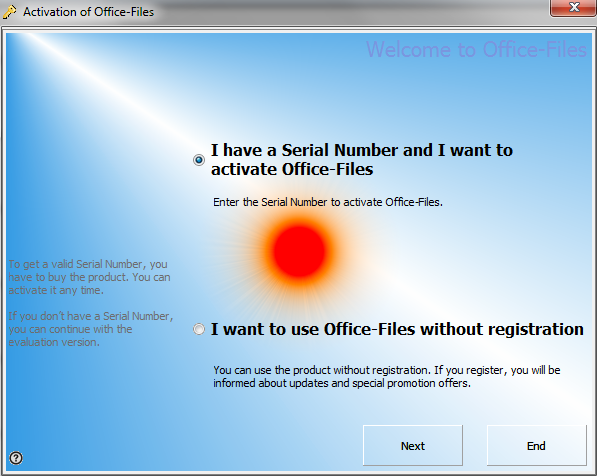
The default image is blue
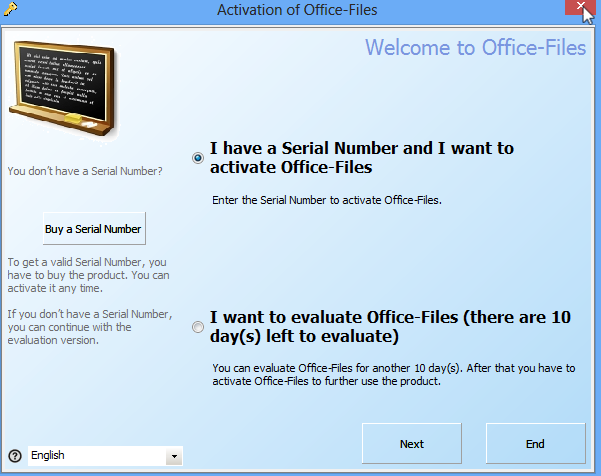 |
| Default Screen |
 Tips
Tips
| • | Use only light colors |
| • | If your logo should be transparent on the background, leave the image field property in SetRegisterSettings empty and add the logo on the background image. |
Your registration screen could look like this
|
|
|
|
|
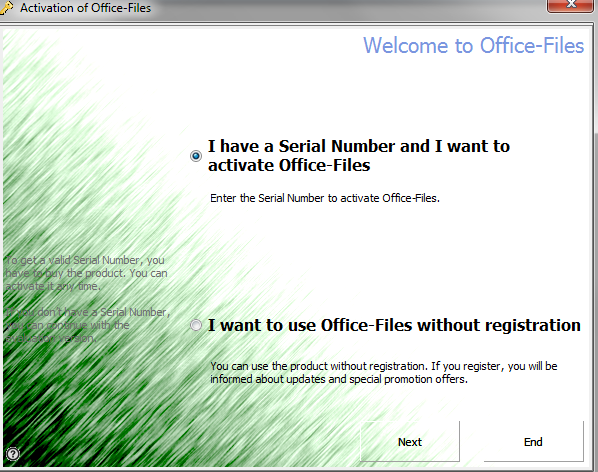
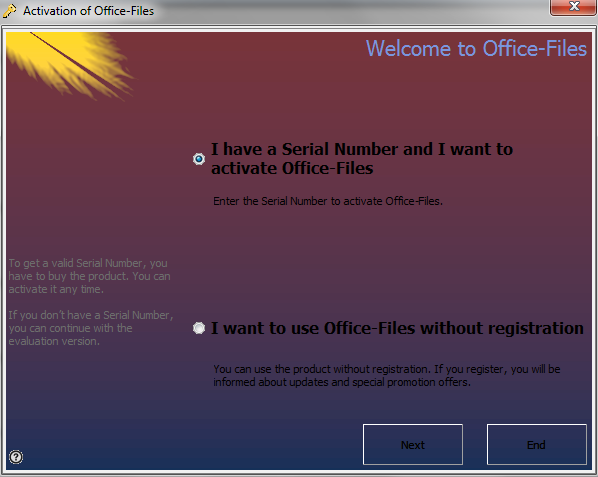
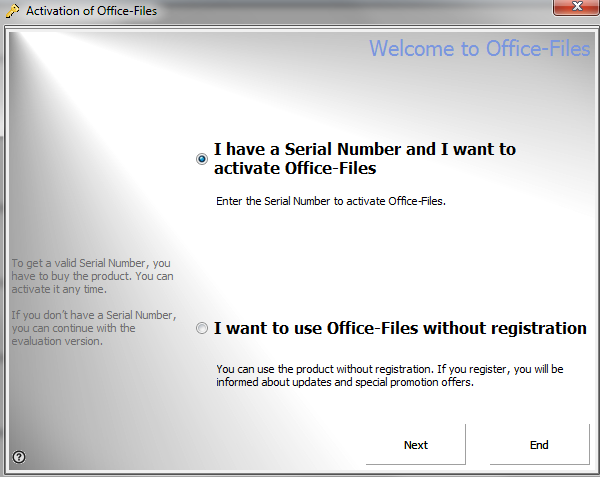
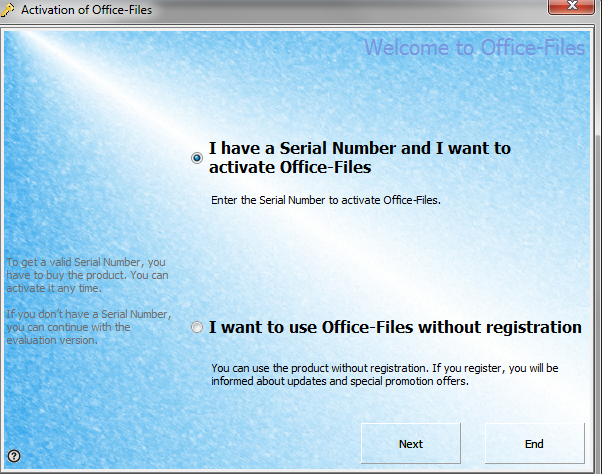
Sample Background Images
Select from a wide variety of ready-to-use background images
Left click on an image below to enlarge
|
|
|
|
|
|






Variations of Green
|
|
|
|
|
|||||||||||
|
|
|
|
|
|||||||||||
|
|
|
|
|
|||||||||||
|
|
|
|
|
|||||||||||
|
|
|
|
























Variations of Blue
|
|
|
|
|
|||||||||||
|
|
|
|
|
|||||||||||
|
|
|
|
|
|||||||||||
|
|
|
|
|
|||||||||||
|
|
|
|