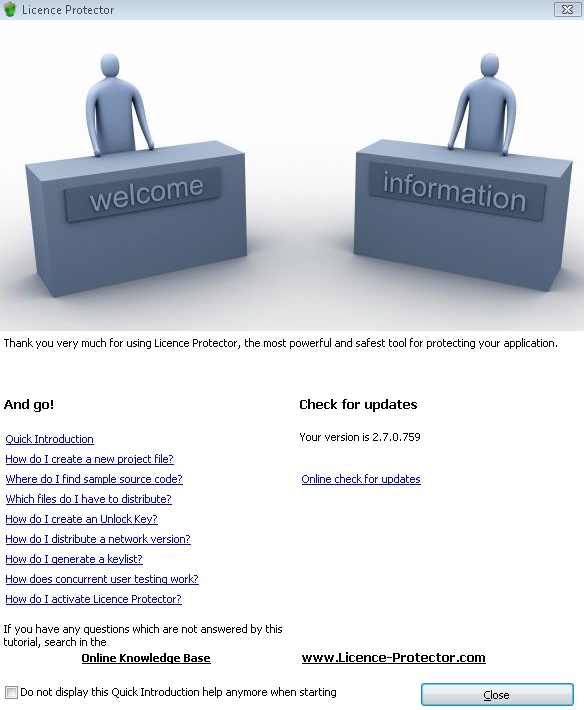
Welcome Screen

Contents

By default, the Welcome Screen is opened additional to the Start Screen. This screen provides you with:
| • | Links to most popular FAQ to get started |
| • | Link to Online Knowledge Base |
| • | Link to updates |
The screen can be deactivated by checking Do not display this Quick Introduction help anymore when starting and activated again in the TAB Help,  Quick Introduction help