Start Screen - No product activation possible

Contents
The product is only available as an evaluation version. It cannot be activated - the user needs a new installation package for the full version.
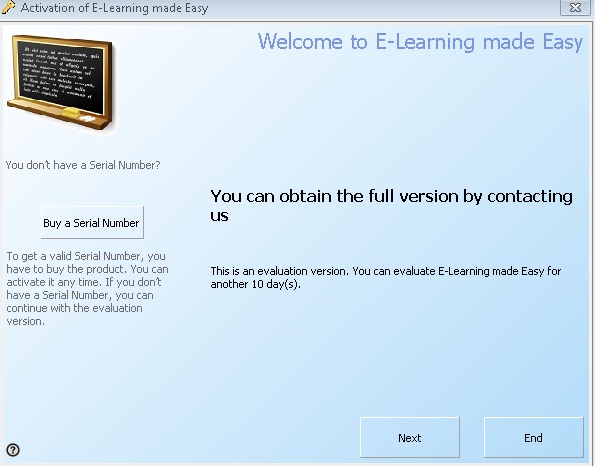
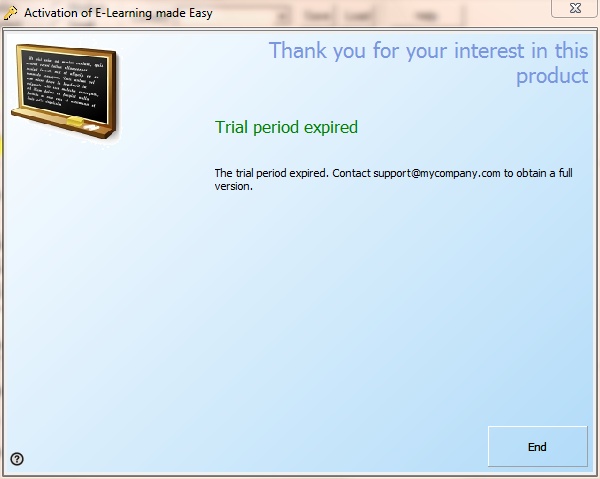
If the trial period expires, the following screen is displayed.

The following configuration settings are configured with the command SetRegisterSettings:
|
||||||||||||||||||
 Check the chapter workflow for all possible settings!