Navigation: Part I - Learning the Basics > Getting started >
Start Screen


|
Navigation: Part I - Learning the Basics > Getting started > Start Screen |
|
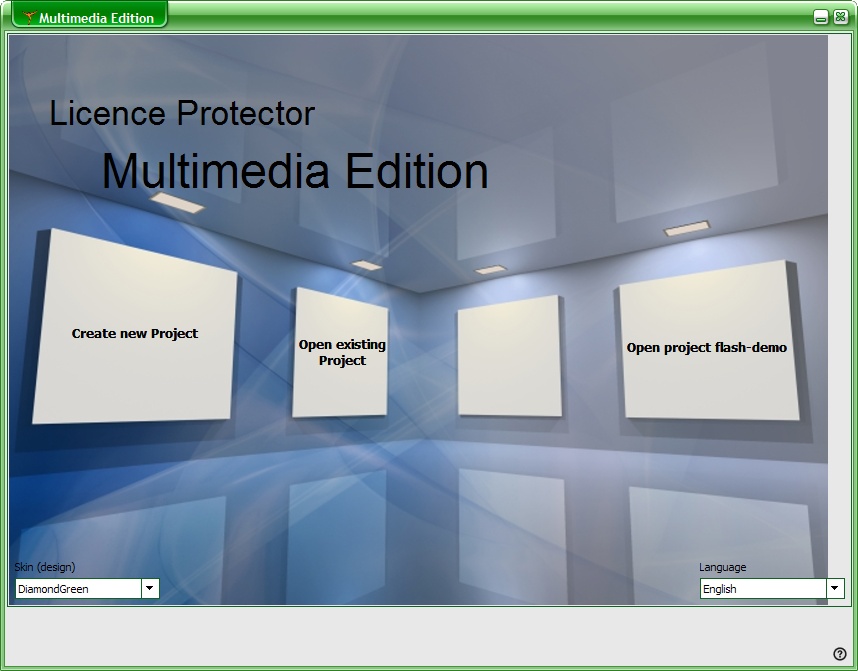
After starting Licence Protector Multimedia Edition the main start screen appears. You can select a Skin and a Language to customize Licence Protector Multimedia Edition.
Skin
A skin changes the look & feel (design) of the application. Just try to find the one you like best.
Language
Select your language.