Navigation: Part I - Learning the Basics > Favored Flash/HTML/Conversion Tools >
Articulate Presenter (Articulate)


|
Navigation: Part I - Learning the Basics > Favored Flash/HTML/Conversion Tools > Articulate Presenter (Articulate) |
|
To secure applications created in Articulate Presenter (www.articulate.com) the following steps are necessary.
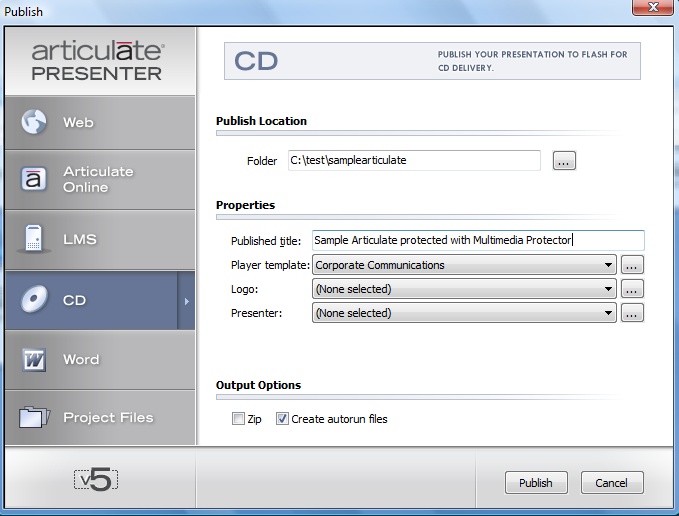
Select the option CD, check: Create Autorun files and press Publish
|
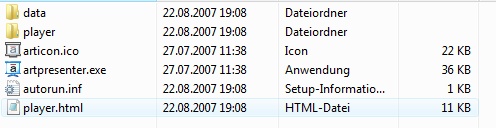
Articulate creates the following folder structure.
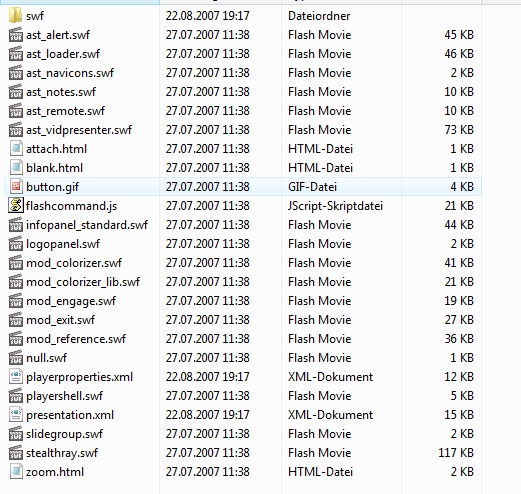
The folder data should look like this
It seems that Articulate uses some special directory functions which are not working within Multimedia Protector. You have to move folders.
Move the content of the folder player to the folder data. The folder data will have this structure now.
|
To run with Multimedia Protector, a special start application is needed. Copy the file startarticulate.exe and the configuration file config.xml from the Multimedia Protector installation folder ...\tools\articulate to your folder ..\data
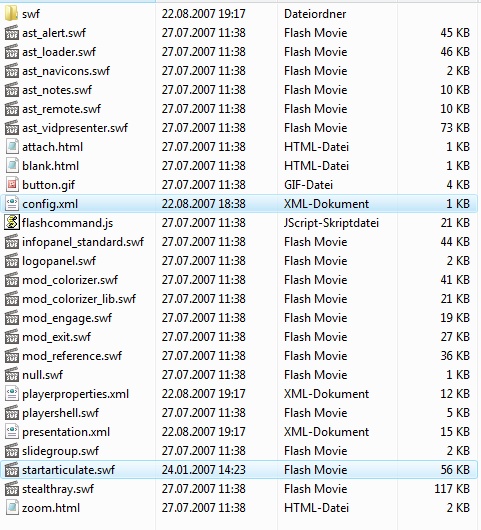
The folder \data contains now these files:
|
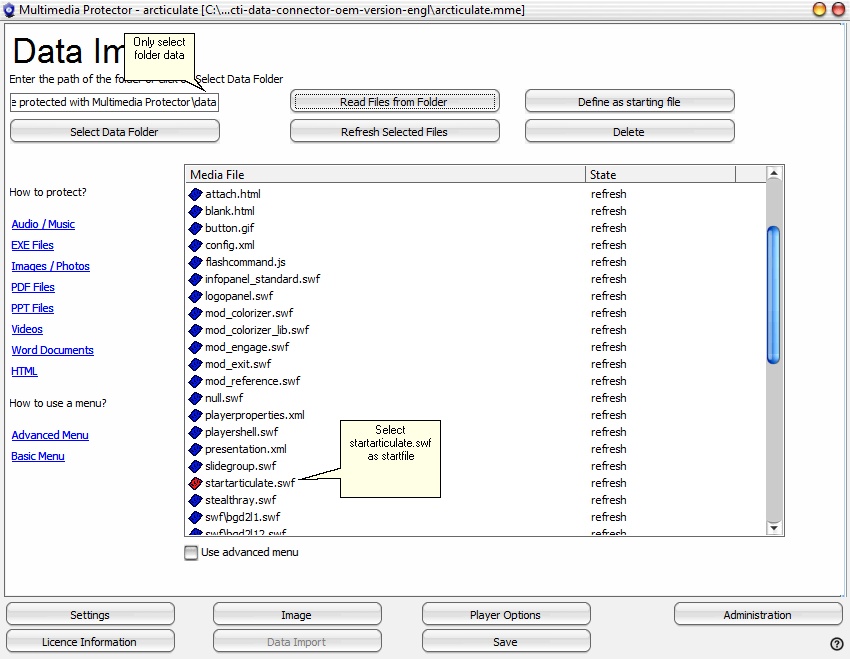
Now import all the files from the project folder \data and mark startarticulate.exe as startfile using the button Define as starting file. A red icon signals the start file.
The import screen would show the following files.
|