Navigation: Part II - Enhanced Features > Add an Installer for Harddisk and Network Installation >
Single User Installation


|
Navigation: Part II - Enhanced Features > Add an Installer for Harddisk and Network Installation > Single User Installation |
|
If you want to offer a single user installation (e.g. install from CD to the hard disk) then use the file setup.exe.
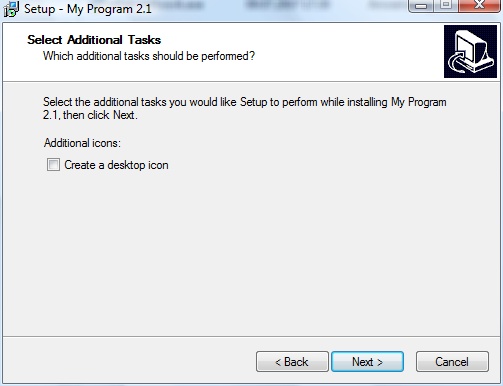
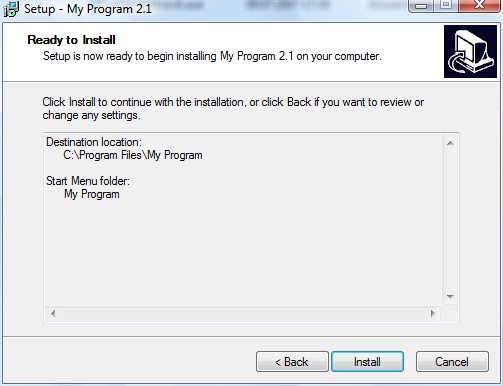
The installer performs the following tasks:
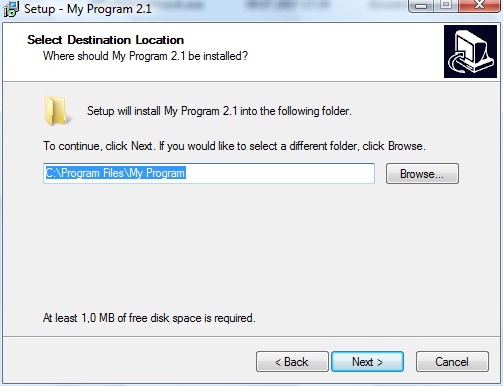
| • | Asks for an installation directory |
| • | Copies all files to a specified directory |
| • | Adds the necessary user rights to the specified directory |
| • | Copies the player, database mmf file and the license file to the specified directory, including an icon file |
| • | If selected, places an icon on the desktop |
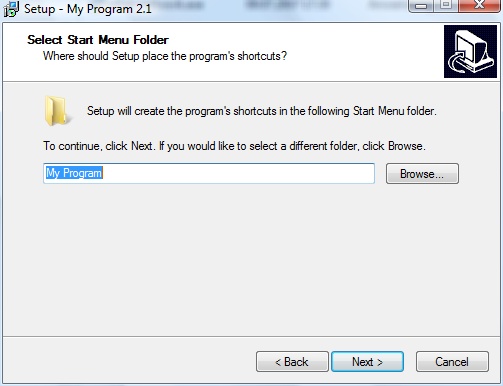
| • | Adds a program manager group and an entry within the program manager group to start the Multimedia Player |
| • | Adds uninstall information |
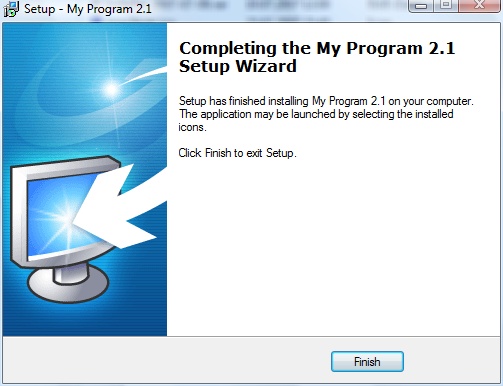
| • | Starts the application after installation |
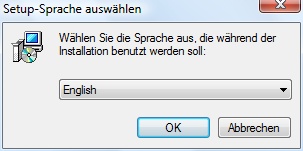
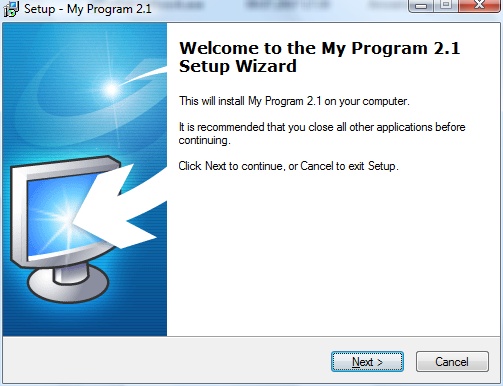
Screens of the installer
Below find the screens which appear during installation.