|
Activate a log file |


|

|

|

|
|
Activate a log file |
|
|
|
|
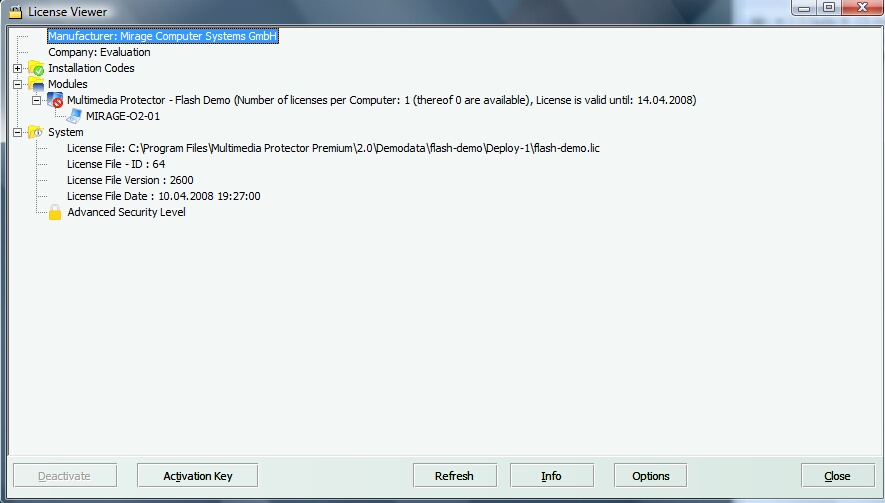
In case of an unknown error on the end user system, the user can activate a log file and sent it to you. You could then send this file to support.
| • | Press the Options button within the License Viewer |
| • | Select - Error tracking enabled |
| • | Select a path for the logfile |
Restart the application until the error appears and then send all files with the extension .log to support@mirage-systems.de . The user can then disable the error tracking.
Page url: http://www.helpserver.biz/onlinehelp/lpmme/2.1/generator/help2000/index.html?activate_a_log_file.htm

