|
Articulate Engage (Articulate) |


|

|

|

|
|
Articulate Engage (Articulate) |
|
|
|
|
To protect applications created in Articulate Engage (www.articulate.com) the following steps are necessary.
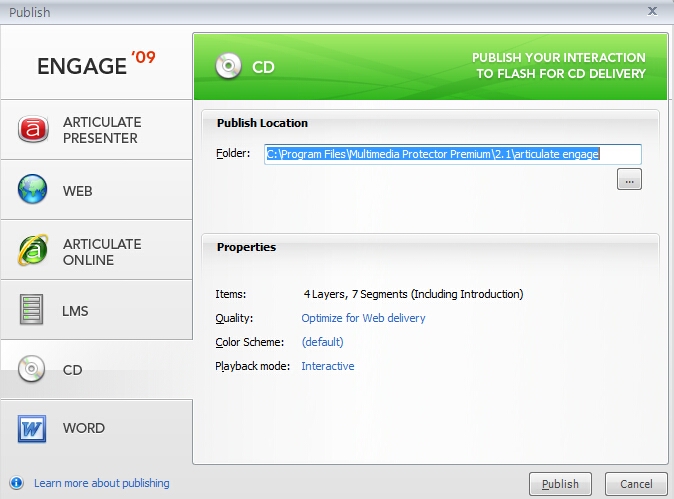
Select the option CD, press Publish
|
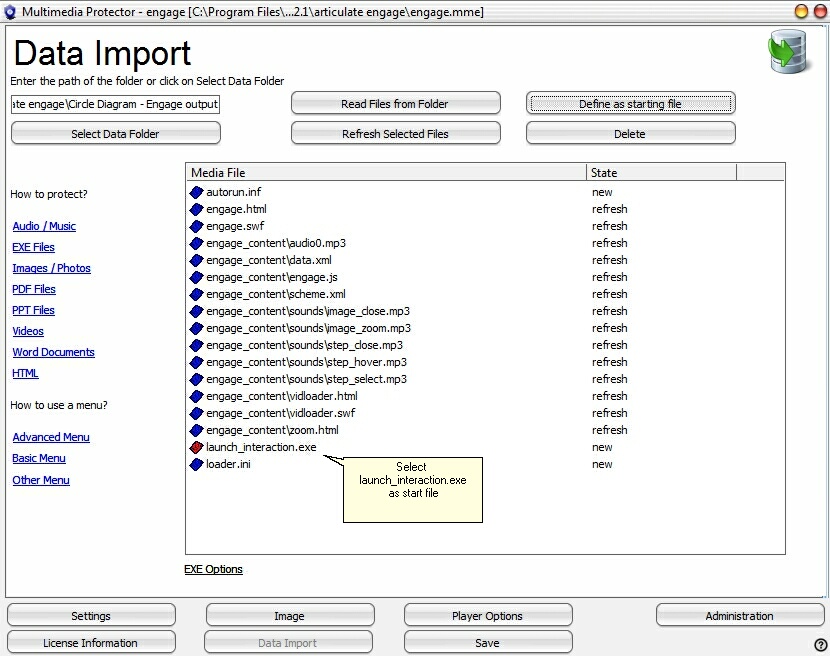
Now import all the files from the project folder and mark launch_interaction.exe as startfile using the button Define as starting file. A red icon signals the start file.
The import screen would show the following files.
|

| • | If you have several different Articulate applications you need a menu application. |
| • | If the project size is over 100 MB, the loading time would be too long. Split the application in several projects. |
(This sample was tested with Articulate Engage 09)