Articulate Presenter (Articulate)

  Deutsche Online Hilfe Previous topic Next topic JavaScript is required for the print function Mail us feedback on this topic! Mail us feedback on this topic!  

To protect applications created in Articulate Presenter (www.articulate.com) the following steps are necessary.


Depending on the type of the Articulate project, you can use one of the following options:


SWF Protection

This option uses the Multimedia Player flashplayer. Use it if:


The project uses no Articulate Engage or Articulate Quizmaker components
The project uses only SWF files and no FLV video files


Project loads fast
Project size up to 1GB
Highest protection level


Requires to move folders and copy files
Project cannot include Articulate Engage, Quizmaker and FLV files


EXE Protection
 

This option uses the Multimedia Player EXE protection. Use it if:


The project uses Articulate Engage or Articulate Quizmaker components
The project uses FLV video files


Easy to protect - just import a folder
Project can include Articulate Engage, Quizmaker and FLV files


Project loads slower
The project size can be up to 100MB. Then you have to split the project
Security and limitation of the EXE protection


SWF Protection


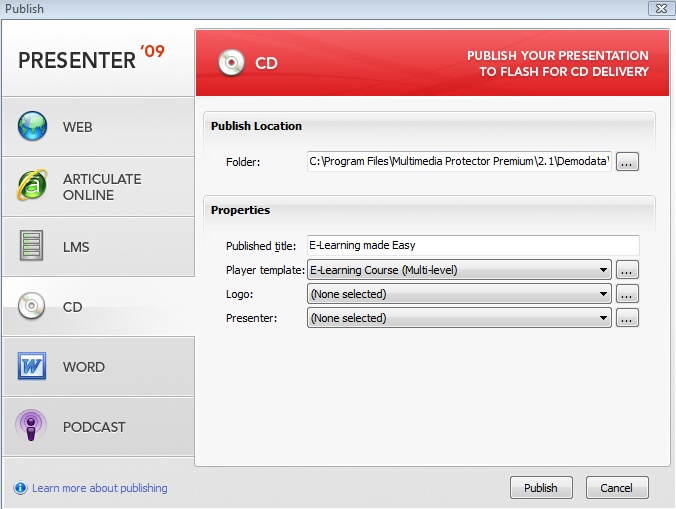
Select the option CD and press Publish


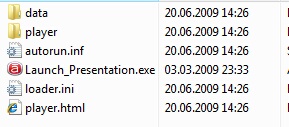
Articulate creates the following folder structure.


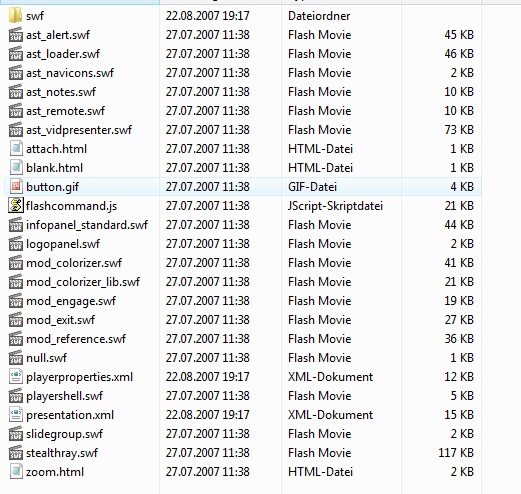
The folder data should look like this


Articulate uses some special directory functions which are not working within Multimedia Protector. You have to move folders.


Move the content of the folder player  to the folder data. The folder data will have this structure now.


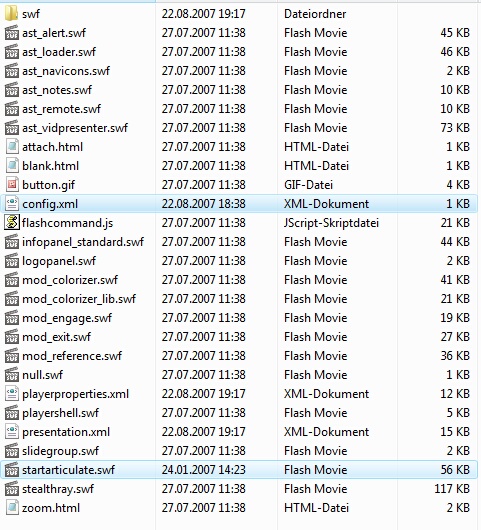
To run with Multimedia Protector, a special start application is needed. Copy the file startarticulate.swf and the configuration file config.xml from the Multimedia Protector installation folder ...\tools\articulate to your folder ..\data


The folder \data contains now these files:


All original files from the folder data and the subfolder \swf
All files from folder \player
Startarticulate.exe and config.xml


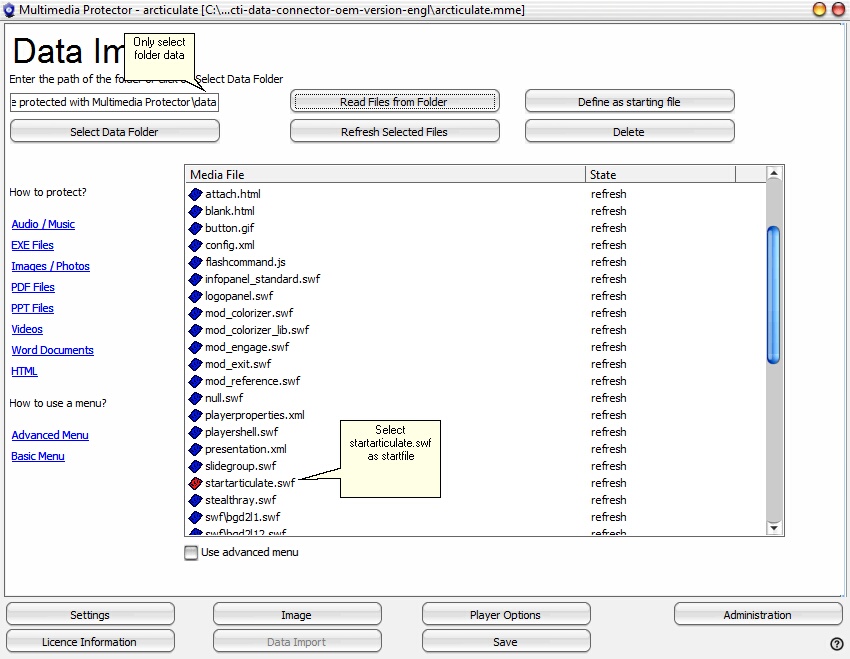
Now import all the files from the project folder \data and mark startarticulate.swf as startfile using the button Define as starting file. A red icon signals the start file.


The import screen would show the following files.


EXE Protection


Select the option CD and press Publish


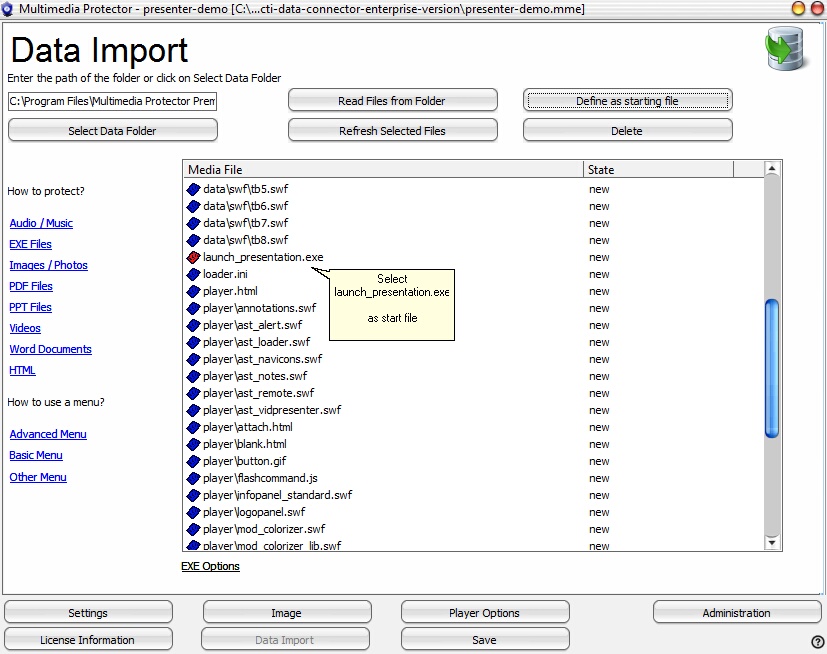
Now import all the files from the project folder and mark launch_presentation.exe as startfile using the button Define as starting file. A red icon signals the start file.


The import screen would show the following files


If you have several different Articulate applications you need a menu application.
If the project size is over 100 MB, the loading time would be too long. Split the application in several projects.


(This sample was tested with Articulate Presenter 09)

Page url: http://www.helpserver.biz/onlinehelp/lpmme/2.1/generator/help2000/index.html?articulate_presenter_articulat.htm