|
Screen - Image |


|

|

|

|
|
Screen - Image |
|
|
|
|
Define the images to be used in your project.
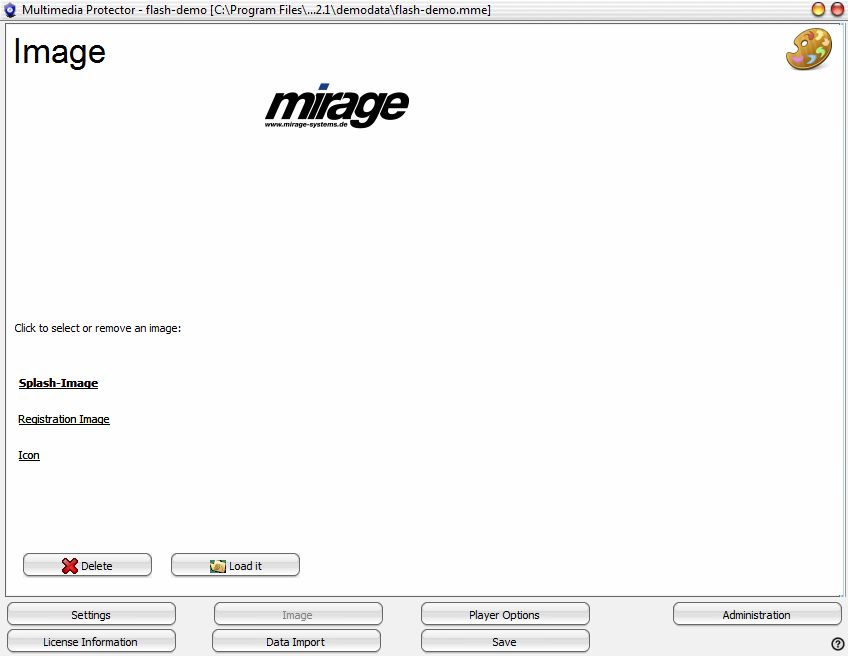
These images can be assigned:
| • | Splash-Image - image which is displayed during program start |
| • | Registration Image - image which is displayed in the registration screen |
| • | Icon - small image in the title bar of the Multimedia Player and Multimedia Protector PDF Viewer |
Click on a hyperlink text to select the image you want to assign. Click on the button: Load it to assign an image or on the button Delete to delete an image.
Page url: http://www.helpserver.biz/onlinehelp/lpmme/2.1/generator/help2000/index.html?button_image.htm

