|
Upload Project Files |


|

|

|

|
|
Upload Project Files |
|
|
|
|
To distribute via a download link, all files from the folder deploy have to be packed into one ZIP file. Use the option Save as ZIP in the Screen - Save.
 Never start the Multimedia Player for testing before you make the exe or zip file, as the license file is modified with each start and cannot be used any longer for distribution
See also
Adding an Installer
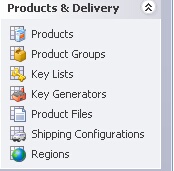
Start the cleverbridge Commerce Assistant. Select Product Files and then press the button Upload Product File. Select your zipped file from the deploy folder and upload the file.