|
Content Protection Only |


|

|

|

|
|
Content Protection Only |
|
|
|
|
If only the content is to be protected and no screen with licensing, time limitation or copy protection is to appear, select the option No activation (content protection only).
 For network installations, the number of users / PCs has to be set to 99999 if no limitation is required.
 Tip: For testing a project check - No Activation - this allows testing without the need to browse through the activation dialogs.
If you need a version just with content protection, which runs for an unlimited time, select:
| • | Number of Days = 0 |
| • | No activation (content protection only) |
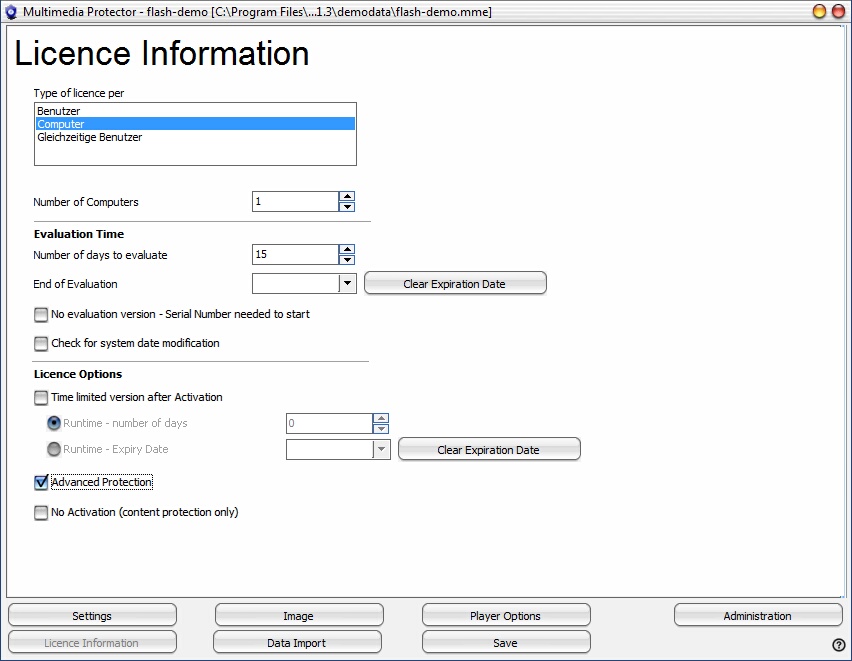 |
| Screen - Licence Information |

