|
Opening a Project |


|

|

|

|
|
Opening a Project |
|
|
|
|
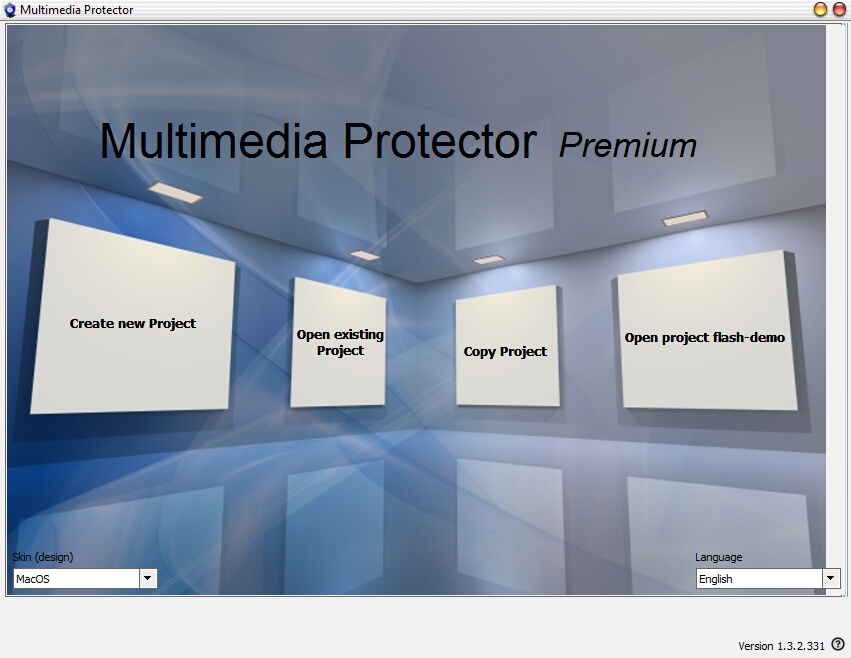
Within the Start Screen, you can either
| • | Open the last project |
| • | Browse the file directory to select a project |
Open the last Project
On the right screen, the last used project is displayed. Just click on the project name to open the project.
Select a Project
Click on Open existing Project. A windows file dialog will appear. You can open all files with the extension .MME. Open Flash-Demo.MME to work with this tutorial.
 It is not possible to open the same project twice at the same time.