|
How to use a password instead Copy Protection |


|

|

|

|
|
How to use a password instead Copy Protection |
|
|
|
|
If you want to use a simple password instead of copy protection, your files would be protected with Multimedia Protector (content protection) but everybody who knows the password can start the product. So it is not a copy protection - it is more a 'psychological ' barrier.
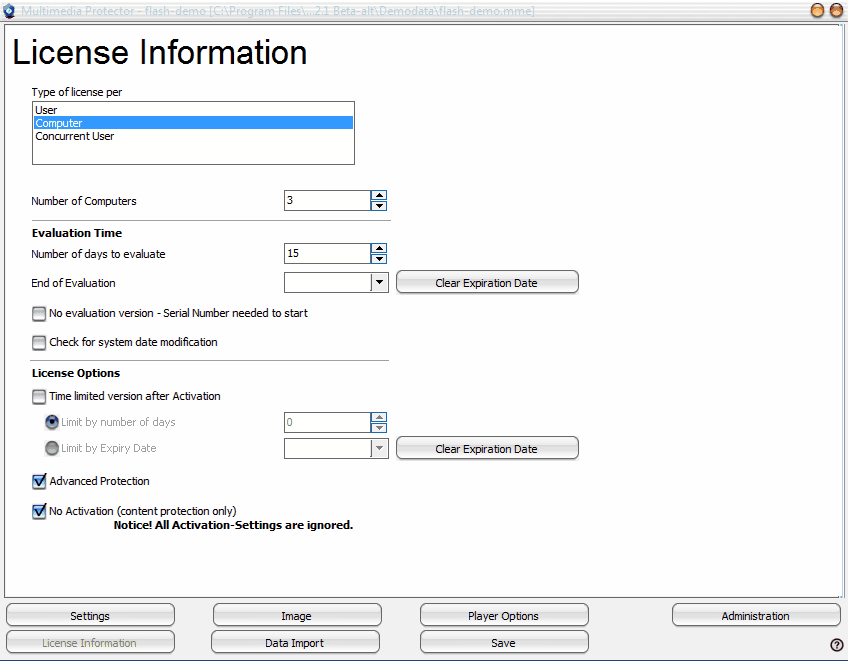
It is possible to just protect the content, but use no licensing type like time limitation or copy protection
Details see Screen - Licence Information
|
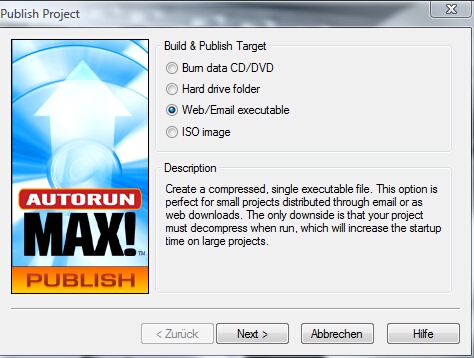
You have to use the menu application AutorunMAX!to add the password. It builds a single EXE file which has all Multimedia Protector files inside the single EXE file. Of couse you can use any other tool which supports to ZIP files with a password. Select the Publish option Web/Email executable
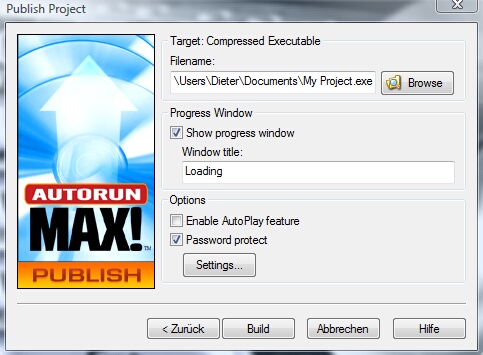
Then check: Password protect
and click on Settings.. to define the password.
|