|
Presenter (Adobe) |


|

|

|

|
|
Presenter (Adobe) |
|
|
|
|
For protecting files created with Lectora (www.trivantis.com) the following steps are necessary.
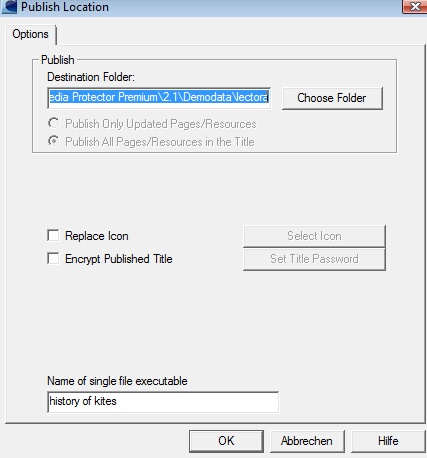
Step 1 - Select Publish in Lectora
Within Lectora, select Publish. As publish option, select Publish to Single File Executable.
Step 2 - Import files in Multimedia Protector
Now import all the files from the project folder and mark the EXE file as start file using the button Define as starting file. A red icon signals the start file.
This supports all options of Lectora but with the limitation of the EXE protection.
Page url: http://www.helpserver.biz/onlinehelp/lpmme/2.1/generator/help2000/index.html?presenter_adobe_2.htm

