|
Splash Image |


|

|

|

|
|
Splash Image |
|
|
|
|
You can define a splash image to be displayed during the program start of the Multimedia Player.
Click on the button Splash Image to display the selected image.
Click on the button Load It to select an image.
Click on the button Delete to delete the image.
 Only JPG images are supported.
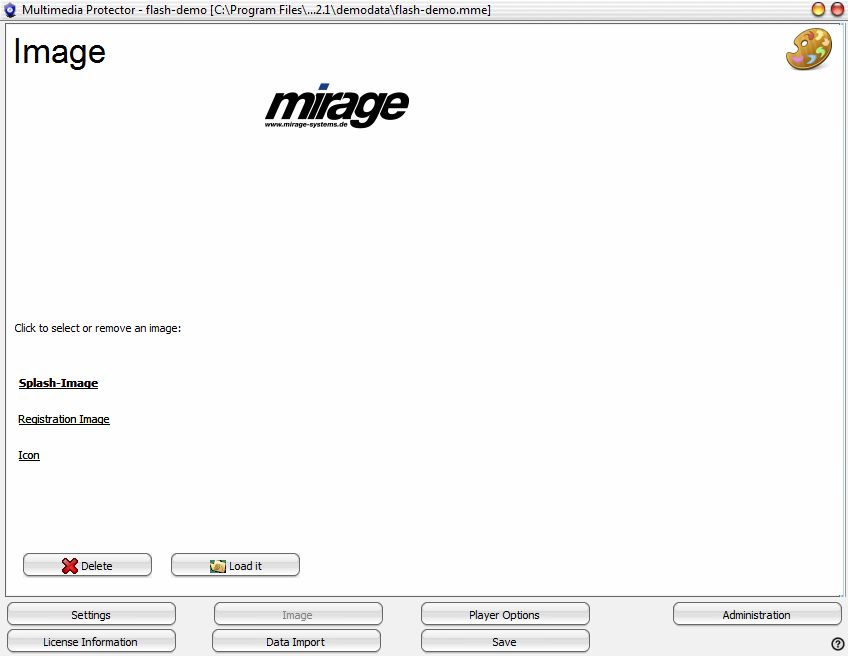 |
| Screen - Image |
Page url: http://www.helpserver.biz/onlinehelp/lpmme/2.1/generator/help2000/index.html?splash_image.htm

