|
SWF Generator - Slide Show |


|

|

|

|
|
SWF Generator - Slide Show |
|
|
|
|
You can create a slide show with SWF Generator. The details are described in the online help of SWF Generator but these are the basic steps.
Step 1 - Create Slideshow
Select the images within SWF Generator in the input dialog.
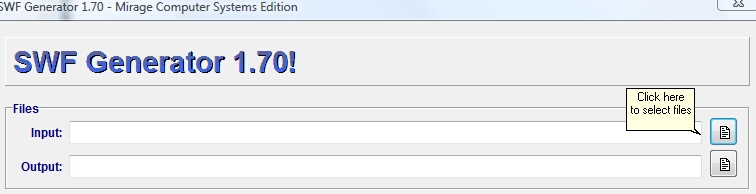
Select a Viewer and create the SWF file.
Important settings are:
| • | Create only the SWF-File - this is mandatory |
| • | Select any Viewer |
Step 2 - protect file with Multimedia Protector
| • | Now import the SWF file and make it the start file |
| • | Screen - Player Options. Select: Start with default size |
 Special Promotion: All users, who buy Multimedia Protector 2.1, get from Orontes Project a free version of SWF Generator. The license key is sent out with the Multimedia Protector license. The offer is subject to change without notice.
You can download a free trial version. Click here to download. The trial version needs Multimedia Protector installed on the same system.

