Navigation: Web Activation Server > Tutorial Web Activation Server > Tools > User Settings >
Change Password


|
Navigation: Web Activation Server > Tutorial Web Activation Server > Tools > User Settings > Change Password |
|
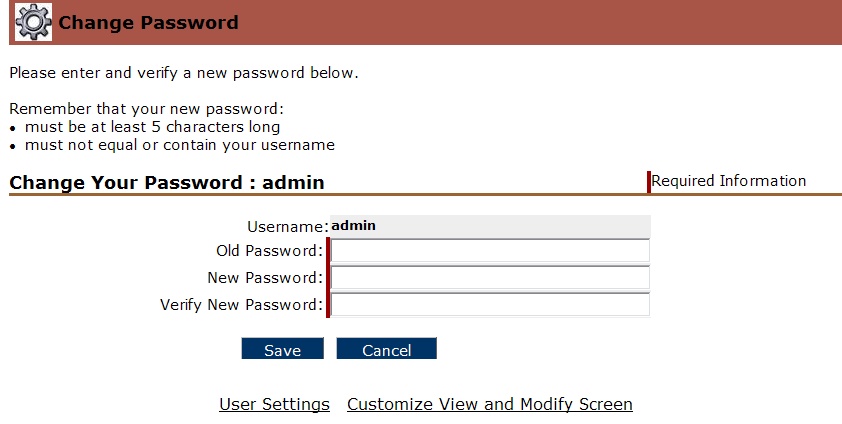
Each user can change his password by providing the old password and entering a new password which must be at least 5 characters long.
Page url: http://www.helpserver.biz/onlinehelp/lp/easygo/2.5/help2000/index.html?tools_change_password.htm