Navigation: Web Activation Server > Tutorial Web Activation Server > Tools > User Settings >
Customize View and Modify Screen


|
Navigation: Web Activation Server > Tutorial Web Activation Server > Tools > User Settings > Customize View and Modify Screen |
|
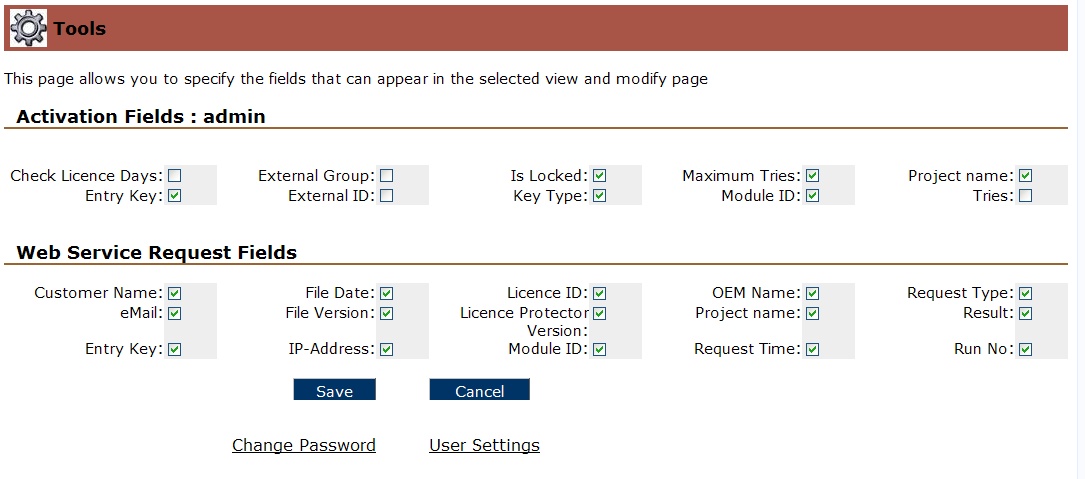
Each user can customize the screen for View and Modify by selecting the fields which should be displayed for:
Check the fields which should be visible and press the button Save.