Navigation: Web Activation Server > Tutorial Web Activation Server > Tools > Manage Users >
Reset Password


|
Navigation: Web Activation Server > Tutorial Web Activation Server > Tools > Manage Users > Reset Password |
|
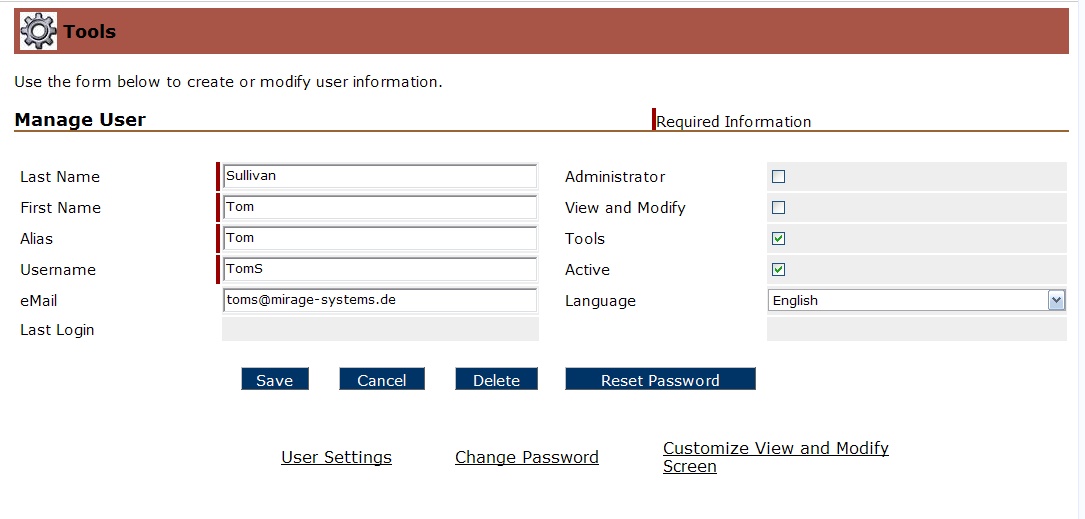
To reset a password select the button Reset Password while editing the user data. The password is now empty and the user has to select a new password after the first login.
Page url: http://www.helpserver.biz/onlinehelp/lp/easygo/2.5/help2000/index.html?tools_reset_password.htm