Navigation: Web Activation Server > Tutorial Web Activation Server > Tools > Manage Users >
Modify existing user


|
Navigation: Web Activation Server > Tutorial Web Activation Server > Tools > Manage Users > Modify existing user |
|
Select the Edit link in the userlist and modify the user data.
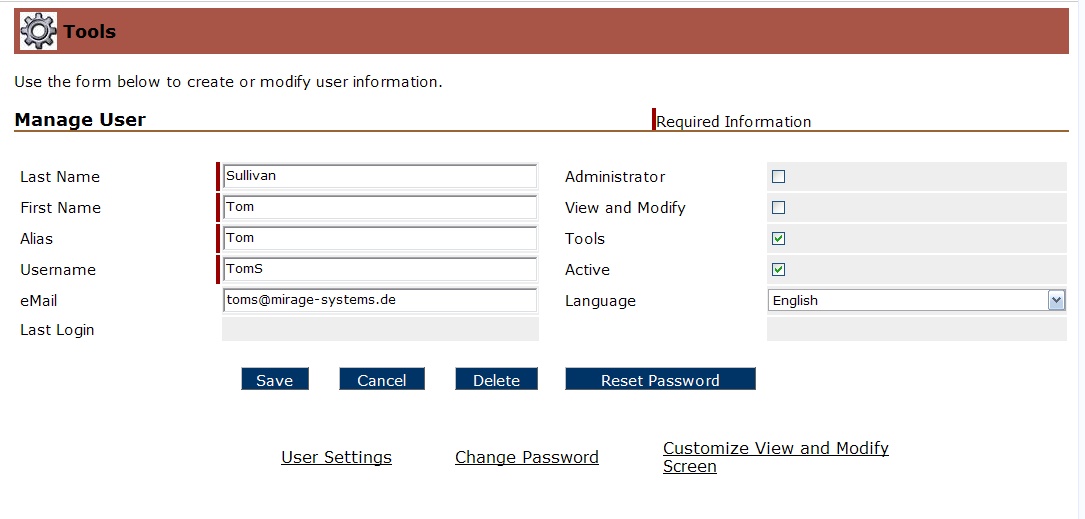
The administration can also modify for this user:
| • | Change Password |
| • | Set values to customize for View and Modify Screen |