Navigation: Activation and License Screens with EasyGo >
Start Screen in Evaluation Mode


|
Navigation: Activation and License Screens with EasyGo > Start Screen in Evaluation Mode |
|
This is the initial screen which pops-up as long as the software is not activated. It depends on the selected customization options.
It allows either to continue unregistered or to type in the Serial Number. The version can be used x days for evaluation before the activation has to be done.
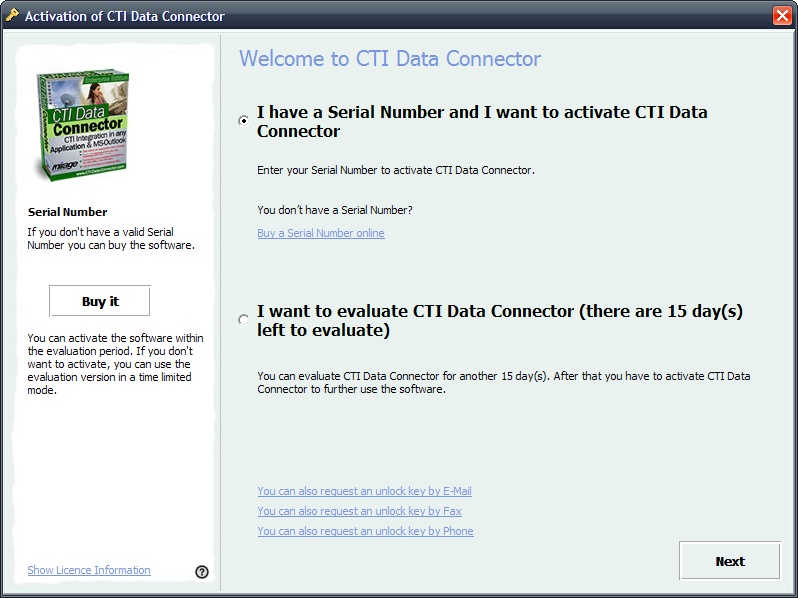
The following configuration settings are configured with the command SetRegisterSettings:
|
||||||||||||
The following configuration settings are configured in the project template or Licence Generator.
|
