Navigation: Activation and License Screens with EasyGo >
Online Activation


|
Navigation: Activation and License Screens with EasyGo > Online Activation |
|
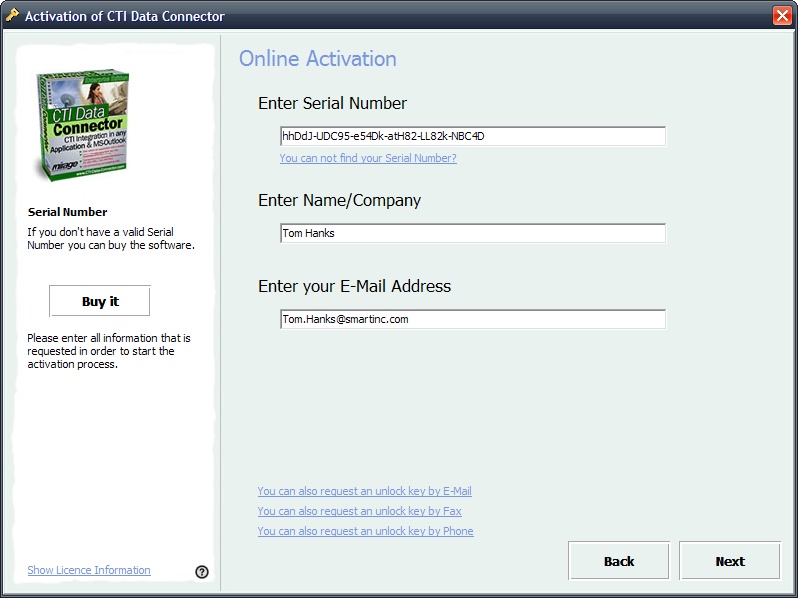
The Online Activation needs the Serial Number, company name and e-mail address. Press the button Next. Then the licence will be verified online and activated. No additional step will be required. If the Activation is successful, the screen Activation finished is displayed. See details of the workflow
The activation process is transparent for the customer.
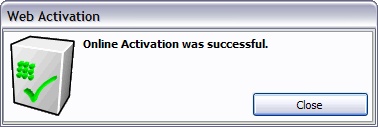
The screen: Activation Successful is displayed
|
This activation option is defined with the parameter RegisterOnline. The WebServiceURL has to be defined in the project template. |
Page url: http://www.helpserver.biz/onlinehelp/lp/easygo/2.5/help2000/index.html?screens_activation_online.htm

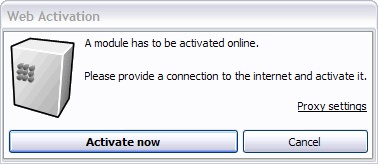
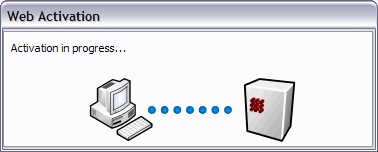
 The dialogs could be deactivated either with the settings <ShowWAStartPage>, <ShowWAProgressPage>, <ShowWAResultpage> in the