Navigation: Web Activation Server > Tutorial Web Activation Server > Tools > Manage Users >
Add new user


|
Navigation: Web Activation Server > Tutorial Web Activation Server > Tools > Manage Users > Add new user |
|
Press the button New User in the userlist and enter the user data.
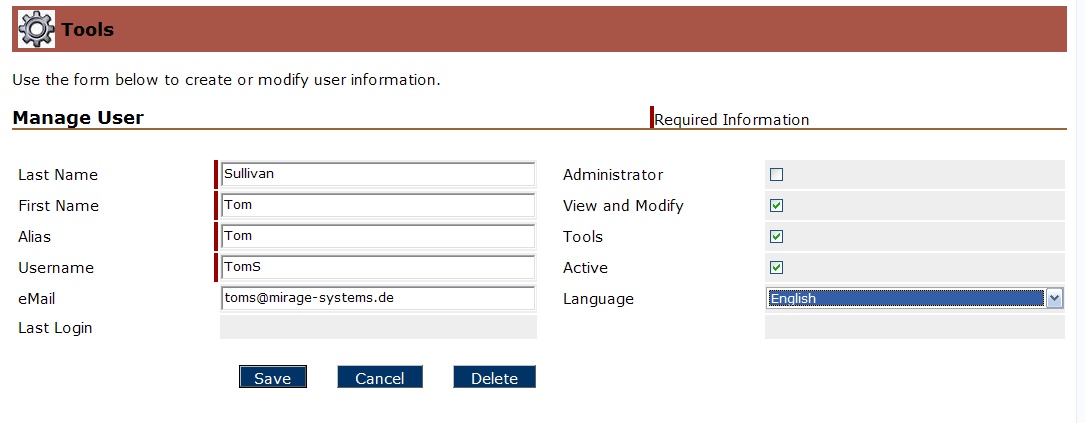
Important fields are:
| • | Username: this is the name used for login |
| • | Alias: this name is used for documentation if the user modifies records |
| • | Administrator: Right to manage users |
| • | View and Modify: Right to browse the View and Modify Tab |
| • | Tools: Right to browse the Tools Tab.  The user can always change his password and configure user specific settings within Tools but has no access to the other options The user can always change his password and configure user specific settings within Tools but has no access to the other options |
| • | Active: The user is active and can log into the Web Activation Server |
| • | Language: Select available language for the administration interface |
The password for a new user is empty. If the user logs in the first time he has to enter a password.
Page url: http://www.helpserver.biz/onlinehelp/lp/easygo/2.5/help2000/index.html?tools_add_new_user.htm