Navigation: Activation and License Screens with EasyGo >
Activation by Phone


|
Navigation: Activation and License Screens with EasyGo > Activation by Phone |
|
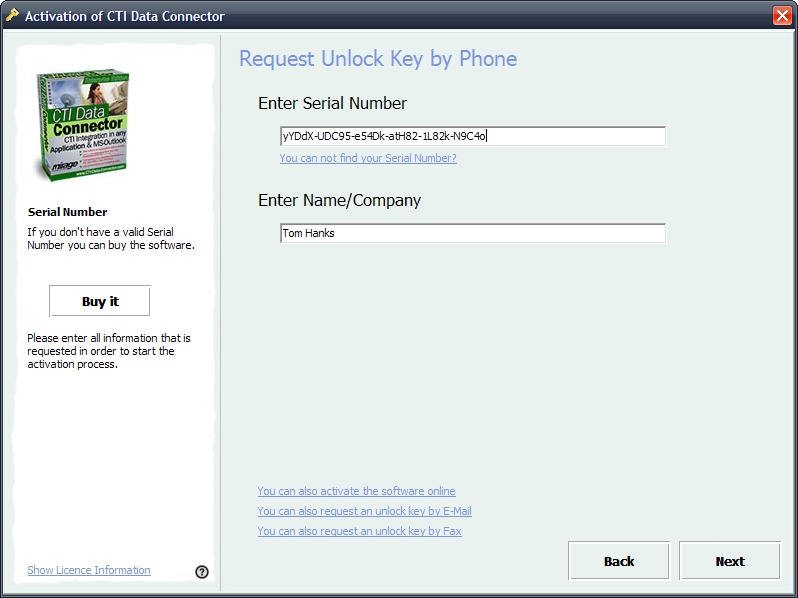
First of all, the activation by phone needs the Serial Number and company name. Then press the button Next. See details of the workflow.
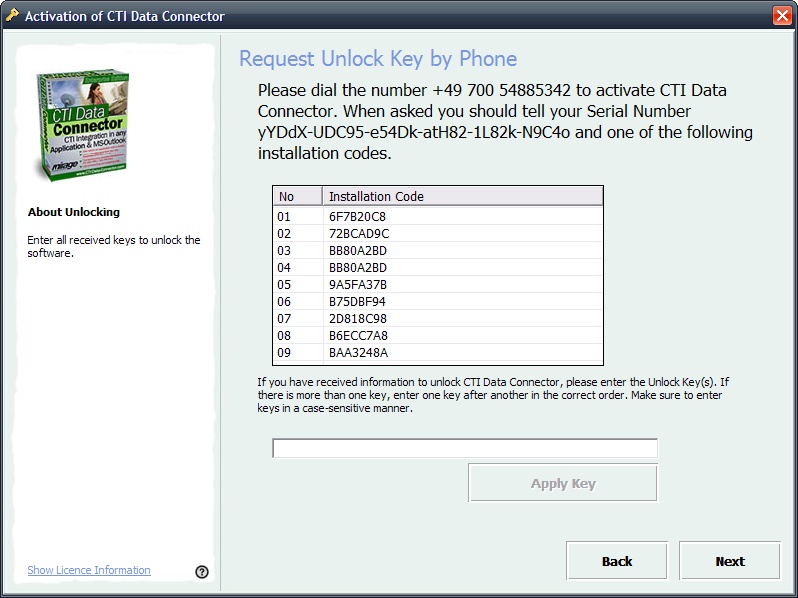
Request Unlock Key Now call the phone number which is displayed. First specify the Serial Number. You will then be asked for one Installation code. Type in the Unlock Key you get and press the button Apply Key.
Create Unlock Key The Unlock Key is generated either using the Licence Generator or using the Web Administration Interface . |
This activation option is defined with the parameters RegisterByPhone and Phonenumber It is very important to define the CopyProtectionSwitchOnKey for manual registration. |
Page url: http://www.helpserver.biz/onlinehelp/lp/easygo/2.5/help2000/index.html?screens_activation_phone.htm